Add material
Upload files, choose a folder, or drag a folder into a personal or course library.
How it works
INQULO keeps reading, evidence and dialogue in one traceable learning process.
Upload files, choose a folder, or drag a folder into a personal or course library.
Search passages, annotate documents, build linked notes and inspect approved concepts and sources.
Use evidence conversations or clearly labelled historical reconstructions with citations.
Courses connect readings, assignments, groups and discussions while preserving privacy.
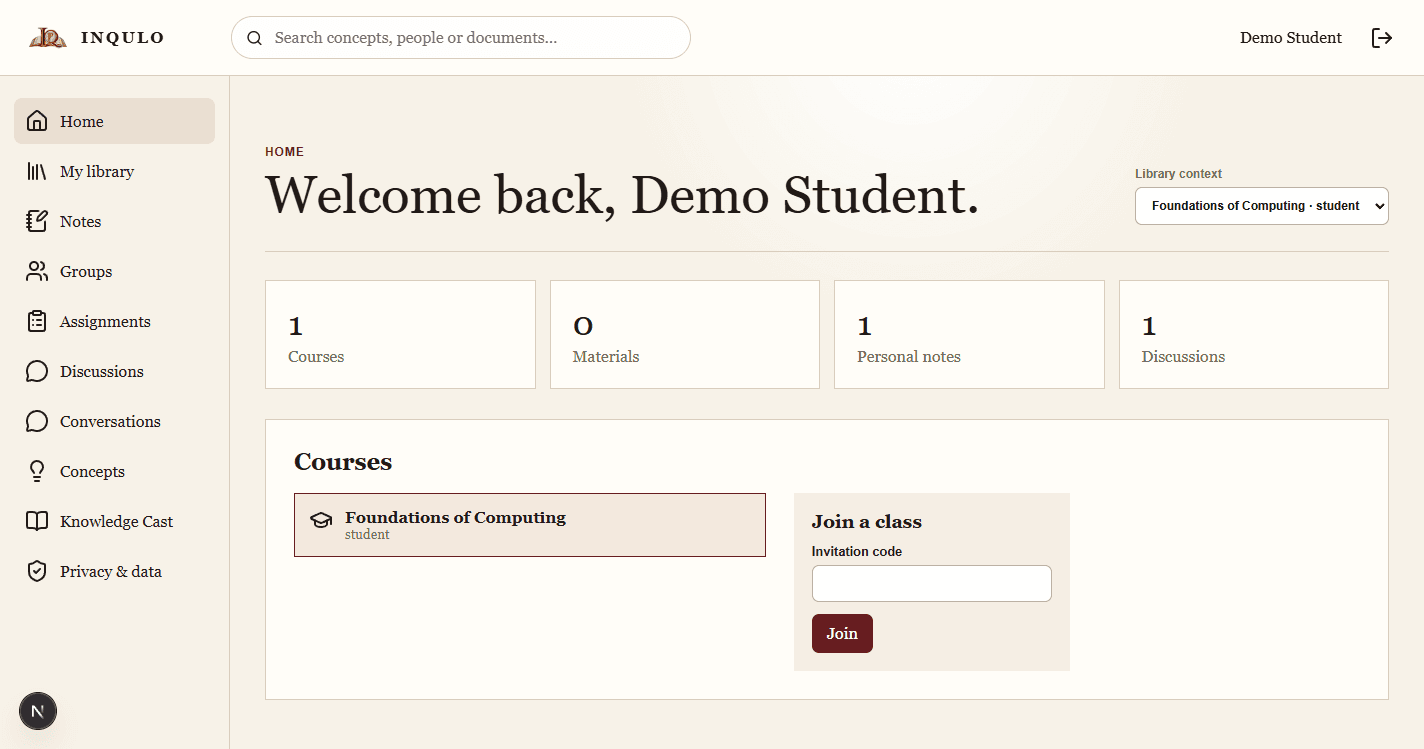
Student workspace
A student workspace connects courses, personal material, notes, discussions, concepts and cited conversations.
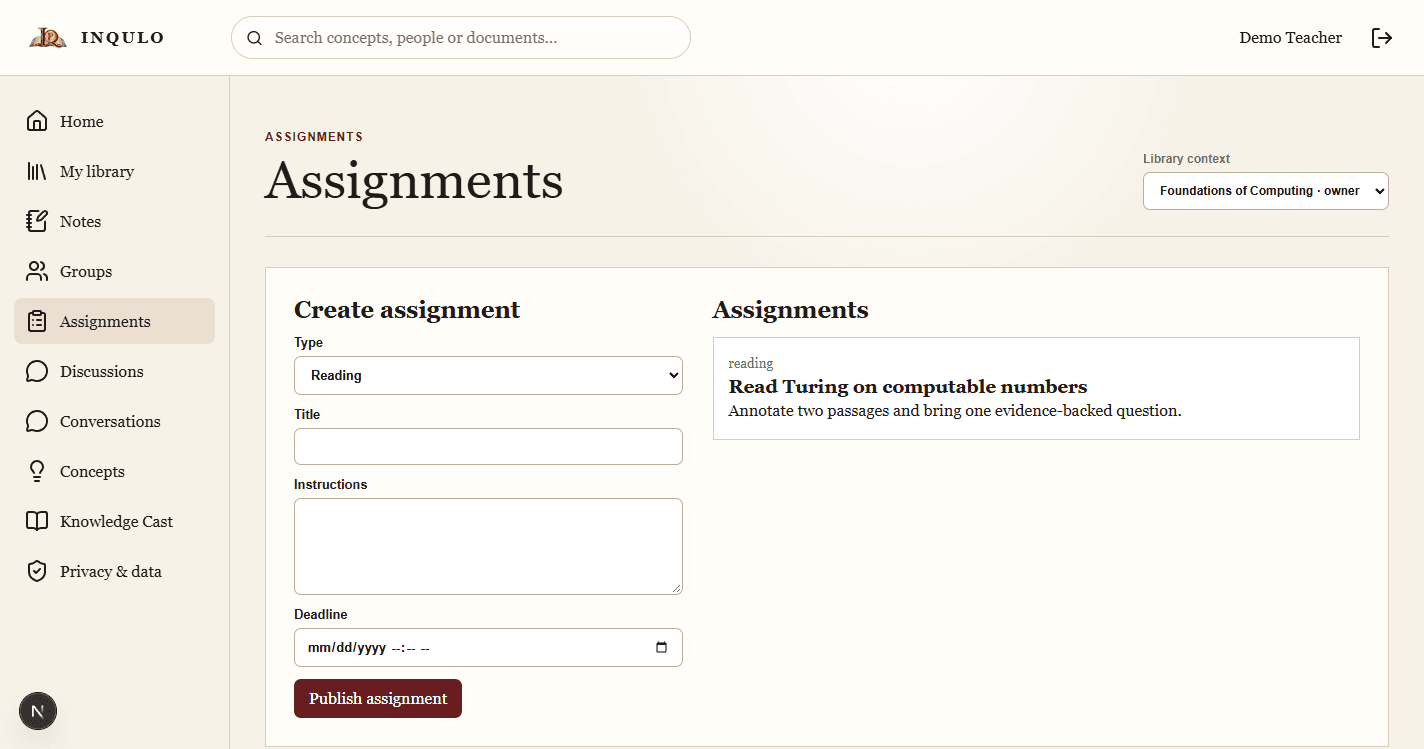
Teacher workspace
An educator workspace adds course creation, groups, assignments, review queues and teaching administration.
Personal and course-controlled material is stored separately and processed asynchronously.
Notes, annotations, concepts, researchers, groups, assignments and discussions stay connected to material.
Conversations retrieve accessible passages and preserve citations; reconstructions receive an explicit integrity label.
Teachers review academic relationships. Administrators manage access, plans, VAT, limits and operational policy.